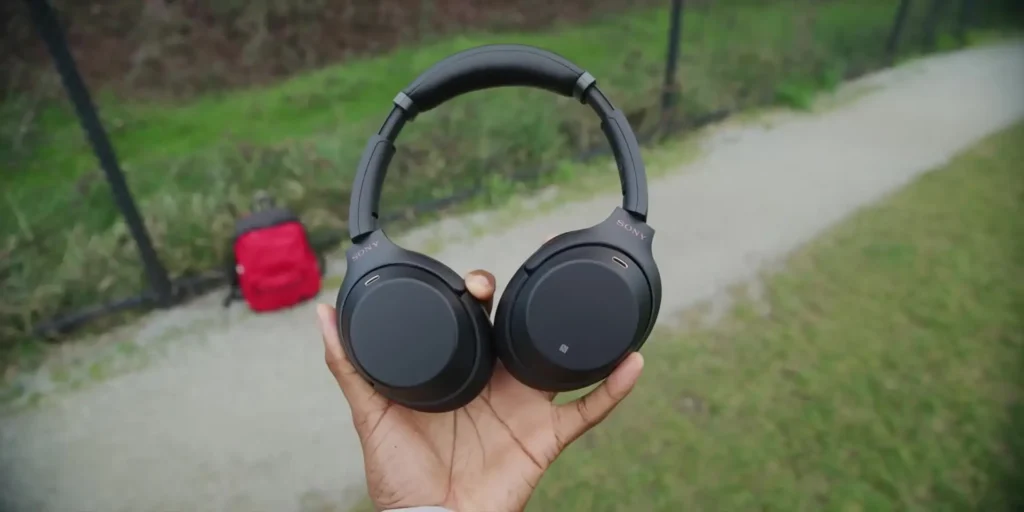
So, you may have already seen the pictures or the tweets, but after spending considerable time testing the Sony WH-1000XM3 during a trip to Seattle, including a five-and-a-half-hour flight, I can confidently say that these are now my all-time favorite pair of wireless noise-cancelling headphones.
Yes, even over the Bose QC35 IIs and the Microsoft Surface Headphones. The name might be terrible, but the headphones are absolutely the real deal.
Table of Contents
What It Really Takes to Win in This Category
Honestly, there is not all that much you need to do to nail a pair of over-ear noise-cancelling headphones. You have to sound great, you have to have good noise cancellation, and then you just need to be somewhat comfortable with a fairly solid feature set. As you might imagine, since I am talking about them like this, the Sony WH-1000XM3 checks every single one of those boxes.
Sound Quality That Stands Above the Competition
Right off the bat, these headphones sound excellent. They are full, rich, and clear, with more range and deeper bass than the Bose, but without being overwhelming. Short of studio headphones, this is a great-sounding, crisp, and clean pair of drivers. The noise cancellation is actually a bit better than the Bose as well.
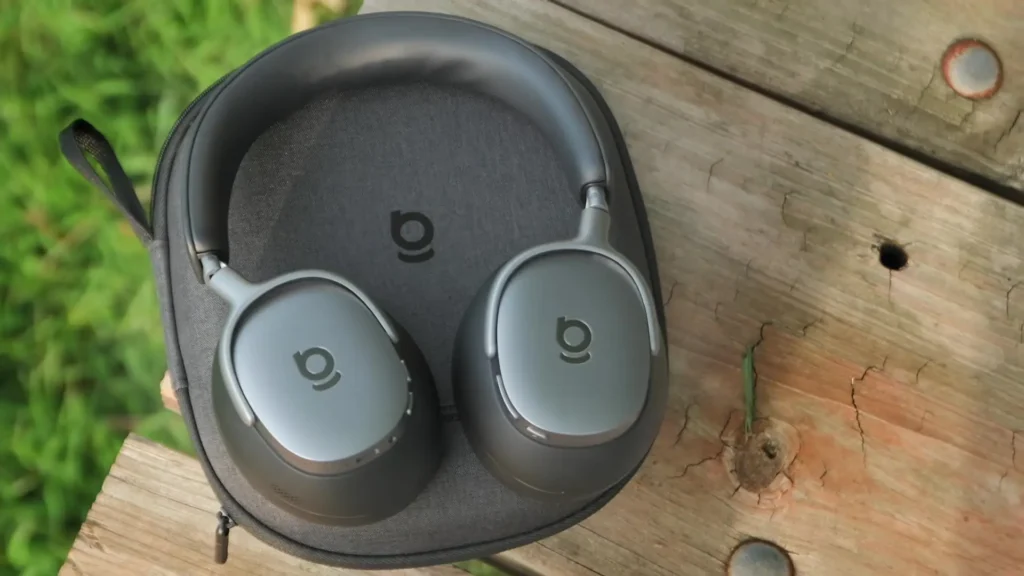
Previously, I had switched to the Microsoft Surface Headphones, and looking back, I was already sacrificing a little bit by doing so. The Surface Headphones had slightly worse sound and slightly worse active noise cancellation compared to what these Sonys deliver.
I loved the Surface Headphones for their design, comfort, USB Type-C, the physical dials, and all of that, and those features put them over the top for me at the time. But the Sony WH-1000XM3 sounds better than both, cancels noise better than both, and still brings a great design to the table. As soon as I heard these, I knew I liked them, and they have only been growing on me ever since.

Design and Comfort That Goes the Distance
I wore these for five and a half hours straight on my flight to Seattle, and they only really started to feel tight by the very end of that stretch. Design-wise, I think these are kind of great, and comfort is something Bose has always been king at.
The Sony WH-1000XM3 are lightweight, the cups have a good amount of padding, the top band is padded, and they are flexible enough to avoid squeezing your head and becoming uncomfortable over time.

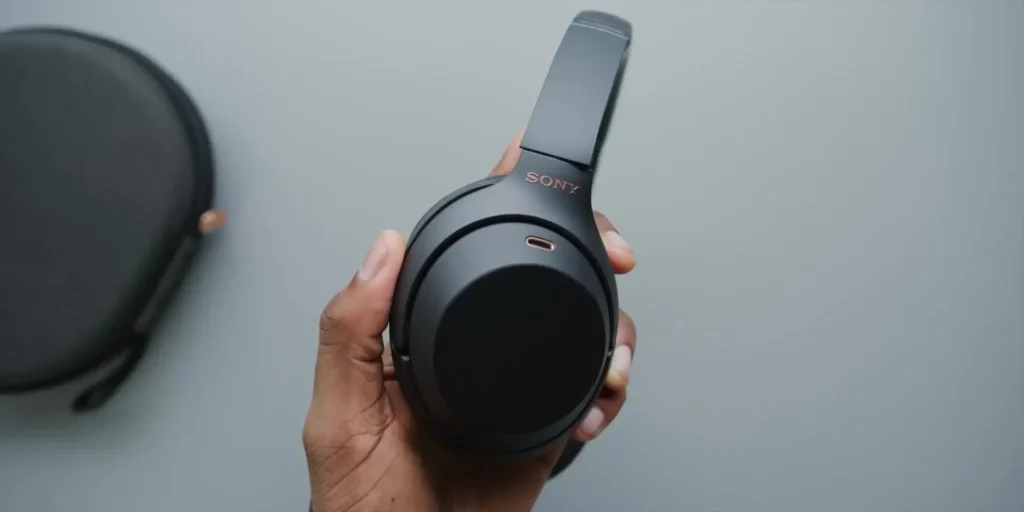
They also beat the Bose by including a USB Type-C charging port. It is actually funny because a lot of people see these headphones and immediately think the copper accent at the top is the USB-C port. It is not. That copper accent is actually the microphone at the top of both ear cups.
The USB-C port is located at the bottom, but regardless, you can use the same charger you already have for your phone or laptop, which is a nice convenience. Battery life also lives up to its 20-plus-hour claim, which is longer than what the Surface Headphones offer.
Features Worth Highlighting
The left ear cup has an NFC logo on it, which can be used to tap and pair with any NFC-enabled device. That is a pretty cool feature, and it makes connecting and disconnecting much more seamless when you are using a compatible device.
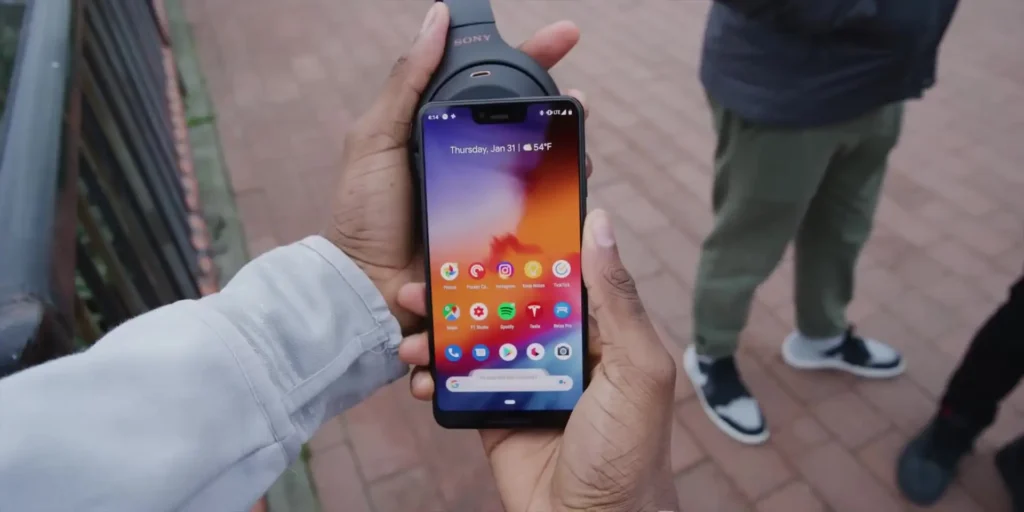
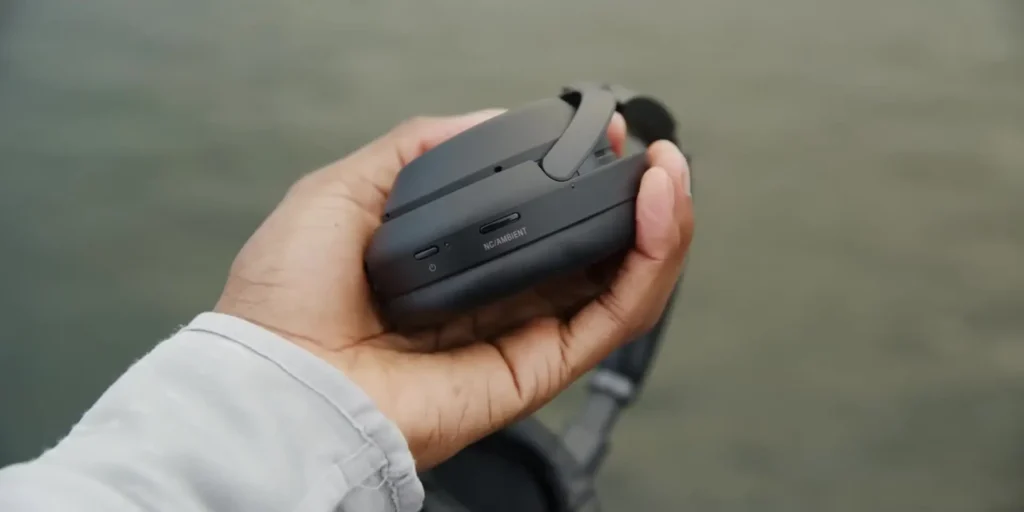
The headphones also include a noise cancellation and ambient mode switch, which by default doubles as a Google Assistant button. You can hold it, speak your question out loud, and Google Assistant will answer without you ever having to take your phone out of your pocket. It can also read your notifications when asked, which adds a genuinely useful hands-free experience.
Where the Sony WH-1000XM3 Falls Short
Alright, I have been raving about these long enough. Trust me, they are not perfect, and nothing ever is. In an ideal world, I would combine these with the Surface Headphones and their physical dials and design, because those function a little bit better in certain ways. Here is an honest look at what is not quite perfect about the Sony WH-1000XM3.
Also Read : Bose QC35 II vs Sony WH-1000XM3 Headphones
Touch Controls Can Be Fidgety
My number one complaint is the controls. There are only two physical buttons on these headphones. All the rest of the work is done by swiping and tapping on the right ear cup, which functions as a small touchpad.
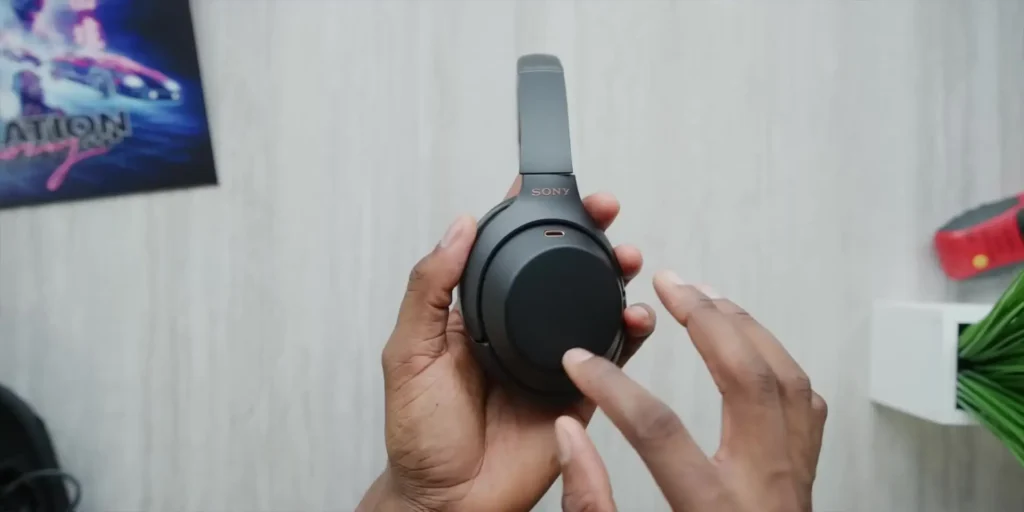
Double-tapping plays and pauses your music, swiping up and down changes the volume, and swiping forward and backward changes tracks. It can be a bit fidgety and does not work every single time, though you do kind of get used to it. I still prefer the physical volume dials on the Surface Headphones for that reason.
No Auto-Pause When Removed
When you take these headphones off, they just keep playing like a normal pair of headphones. The Surface Headphones would detect when you took them off your head, pause automatically, and then resume when you put them back on. The Sony WH-1000XM3 does not do this, and I genuinely miss that feature.
The Cold Weather Issue
There is a known cold weather issue with these headphones that has been reported in several places. Basically, when you take them out in freezing or sub-zero conditions, the touchpads can start registering phantom touches. Without you ever touching them, they will start playing and pausing your music, changing the volume, changing tracks, and randomly stopping playback altogether.
That is pretty rough. I have been using these outside in temperatures as low as 40 degrees Fahrenheit, so not below freezing, and I have not experienced this issue yet. But given how cold it is in some parts of the world right now, it is worth noting.
I do not know if this can be fixed with a software update, but as of right now, if freezing temperatures make these unusable in certain climates, that is a real bummer and something you should know before buying.
Folding Mechanism and Case
These headphones come with a good hard case, like most other over-ear headphones in this category. However, the way they fold feels really annoying. Maybe it is just that I have not gotten used to it yet, but it is worth mentioning as a small nitpick. The case itself is fine overall.
Wind and Microphone Sensitivity
If wind or anything blows hard enough from above, the microphones on the top of the ear cups will pick that up, and you will hear it as a fuzzy static sound. I only noticed this on the airplane, which is actually where a lot of people will use these headphones.
The air vents above me were blowing directly down into those microphones. You can just adjust the angle, and it is fine, but it is something to be aware of.
Single Device Connectivity
These headphones only pair to one device at a time, and that might not sound like a big deal, but when you get used to headphones that support multiple device connectivity and seamless switching, it becomes a major convenience you start to rely on.
With the Surface Headphones or any other pair that supports multiple devices, you can be listening to music from your phone, then pull out your iPad, hit play on a video, and it instantly takes over on the headphones with seamless switching back and forth.
With the Sony WH-1000XM3, you still have to deal with the occasional frustration of Bluetooth being fidgety and not connecting on the first try. I really hope the next version, presumably the XM4s, adds multiple device connectivity, because it is genuinely missed here.
Specification Table
| Feature | Details |
|---|---|
| Model | Sony WH-1000XM3 |
| Type | Over-Ear Wireless Headphones |
| Noise Cancellation | Active Noise Cancellation (ANC) |
| Battery Life | 20+ Hours |
| Charging Port | USB Type-C |
| Connectivity | Bluetooth, NFC |
| Multi-Device Support | No (Single Device Only) |
| Controls | Touchpad on Right Ear Cup + 2 Physical Buttons |
| Voice Assistant | Google Assistant |
| Ambient Mode | Yes |
| Folding Design | Yes (with Hard Case) |
| Color | Matte Black with Copper Accents |
| Microphone Placement | Top of Both Ear Cups |
Final Verdict on the Sony WH-1000XM3
Despite those shortcomings, I love these headphones. They are matte black all the way around, which looks fantastic, with a subtle copper accent at the top featuring the Sony logo and the microphones, and that copper touch also appears on the zipper of the hard case.
How they look is great. How they sound is great. How they feel is great. They are ideal for flying, they are the go-to pick for travel headphones in general, and they are excellent for cancelling out the noise of an office, a coffee shop, or really anywhere that noise-cancelling headphones are useful.
Read More: Bose QuietComfort 35 II Review